BuildMate Quick Guide: 4 Techniques to Master NSW Building Code Queries
Learn how to query NCC building codes in 30 seconds with BuildMate, replacing the traditional 15-30 minute PDF hunting. Designed for NSW architects, certifiers, and project managers.
BuildMate Quick Guide: 4 Techniques to Master NSW Building Code Queries
BuildMate is developed by Light Tune, a smart compliance query assistant designed for NSW construction professionals.
These Scenarios Might Feel Too Familiar
Scenario A: It’s 5 PM on Friday. A client emails: “Is the fire compartment area in this design compliant?” You open NCC Volume 1, search for “fire compartment”… page 17… wait, is it C2.2 or C2.3? Thirty minutes later, you finally find the clause—but your weekend is already ruined.
Scenario B: Your team has a designer from a non-English-speaking background who prefers searching codes in their native language. They translate “防火分区” as “fire partition” and get zero results—they don’t know NCC uses “fire compartment” instead. One terminology mismatch, and the design nearly requires rework.
Scenario C: Three months ago, you looked up “balcony balustrade height requirements.” Today, someone asks the same question. You remember searching for it, but which clause was it? Time to flip through the PDF all over again.
If any of these scenarios resonate, this article is for you.
Traditional approach: Flip through 300+ pages of PDF, spend 15-30 minutes, and still might land in the wrong section.
The BuildMate way: Ask in plain language, get an answer with original citation in 30 seconds.
Full coverage: NCC (National Construction Code), SEPP (State Environmental Planning Policy), and LEP (Local Environmental Plan) — all major NSW planning instruments in one place.
As an NSW construction professional, how many 30-minute blocks can you afford to waste each day?
This guide covers 4 practical techniques to get you started with BuildMate—Light Tune’s latest building code query tool.
Technique 1: Ditch the PDF, Ask in Natural Language
Stop doing this: Opening NCC Volume 2, guessing it should be in Part 3.9, scanning page by page for “balustrade”… 15 minutes later, you find something—but you’ve already forgotten your original question.
Start doing this:
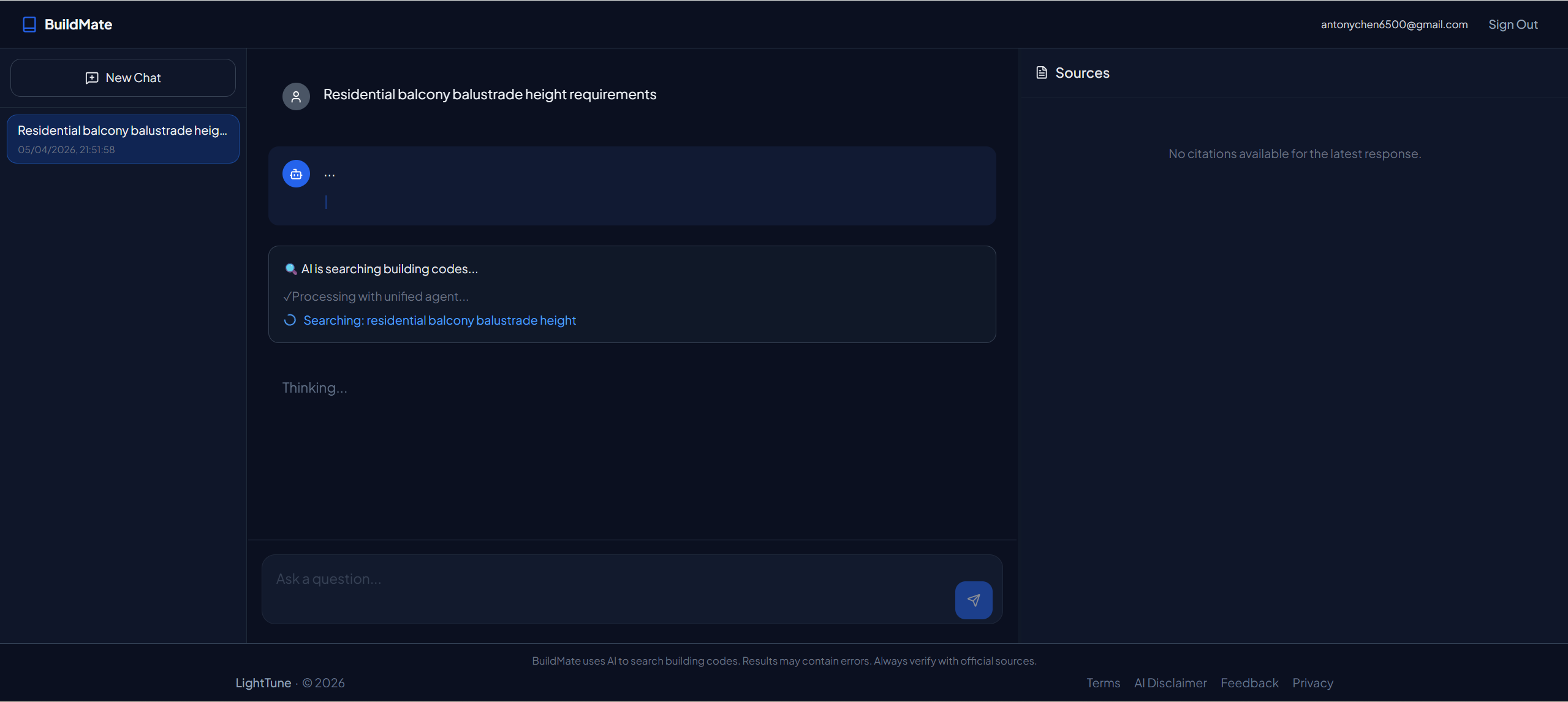
Type into BuildMate: balcony balustrade height requirements
Within 30 seconds, you get:
- Precise answer: Class 1a buildings ≥ 1.0m (NCC 2019 Volume 2, Part 3.9.2.3)
- Applicability notes: Annotated excerpt from the original text
- PDF link: One click to jump to the official document
Why this matters: It’s not just about 30 seconds being faster. It’s about no longer guessing where to find codes. Every second is spent confirming the right answer, not getting lost in a PDF.
Technique 2: Multilingual Teams, One Consistent Code Library
Real-world scenario: Your team includes local Australian designers and members from diverse language backgrounds. Some prefer English, others work faster in their native language.
The terminology trap:
- Direct translation of technical terms often fails. “防火分区” → “fire partition” → zero results
- Correct NCC terminology: “fire compartment”
How BuildMate handles this:
Automatic professional terminology mapping across multiple languages:
- Input
防火分区面积限制→ matches “fire compartment area limits” - Input
阳台栏杆高度→ matches “balcony balustrade height” - Input from other languages → automatically recognized and mapped to English code keywords
Team value: No matter what language your team members use to ask questions, BuildMate returns consistent English code provisions. Multilingual teams no longer risk missing critical compliance requirements due to terminology mismatches.
Technique 3: Every Answer Comes with a “Birth Certificate”
The compliance review nightmare:
Client: “Is this design NCC-compliant?” You: “I think so, I found it online…” Client: “Which clause? Send me the PDF link.” You: ”…”
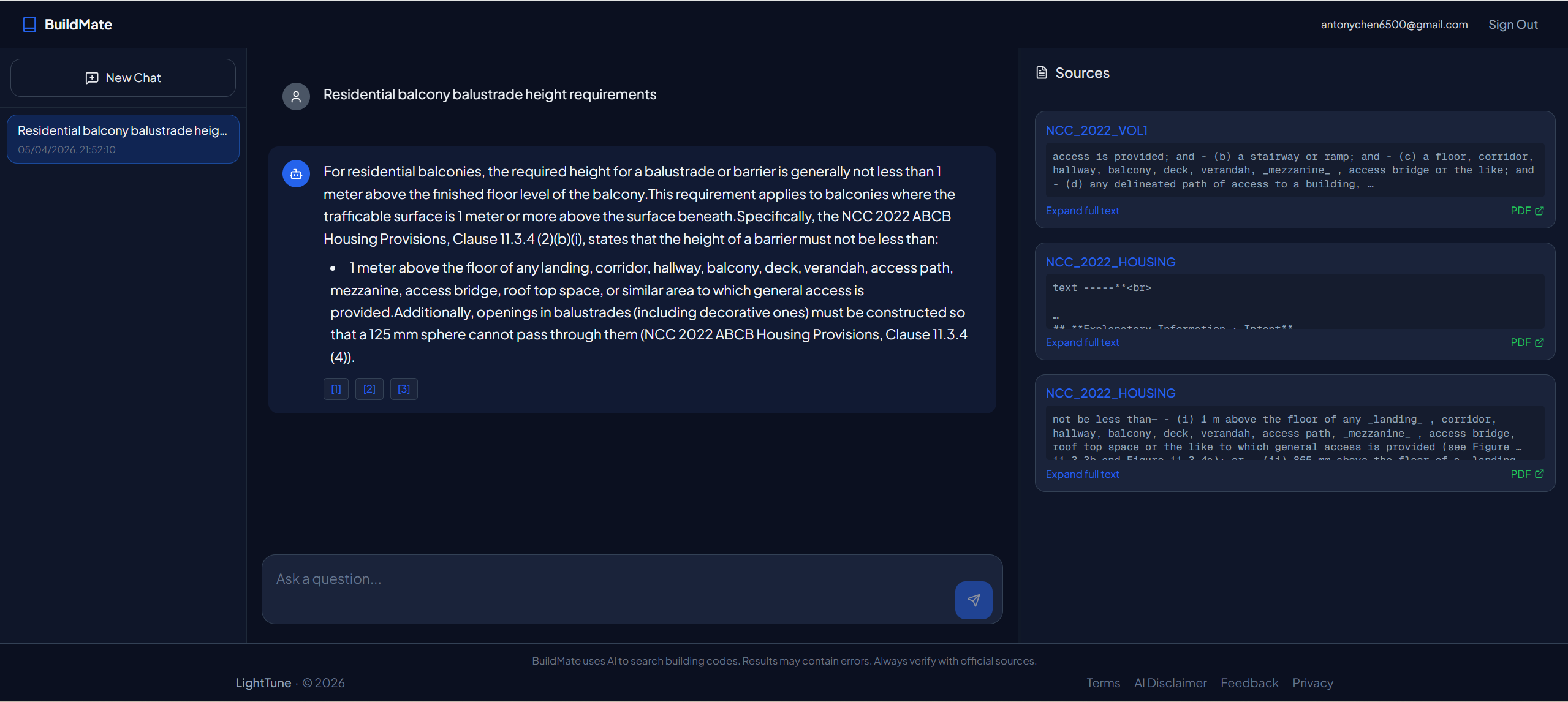
Every BuildMate answer includes a three-piece set:
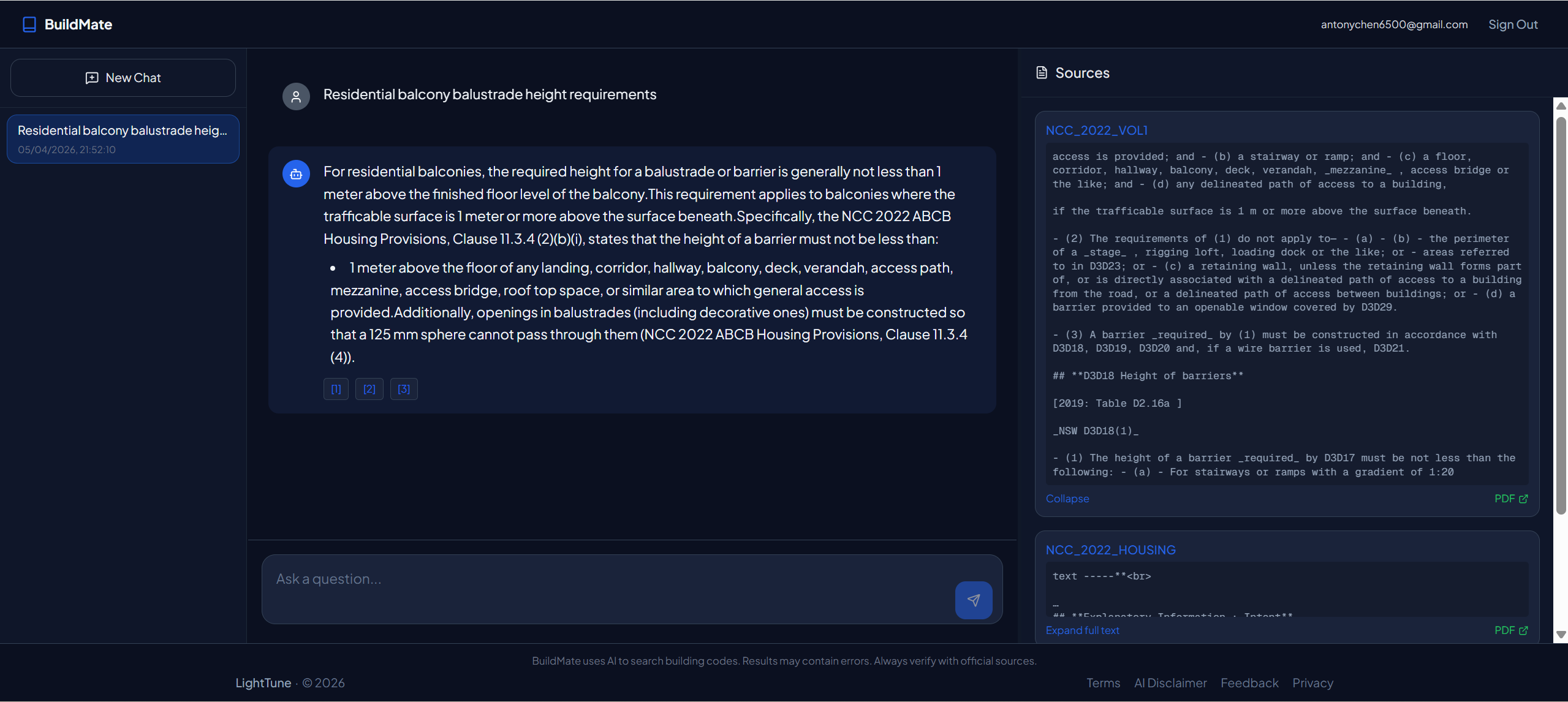
- Original excerpt: Exact snippet from NCC (not AI summarization)
- Document location: Specific Volume/Part/Section (e.g., Volume 2, Part 3.9.2.3)
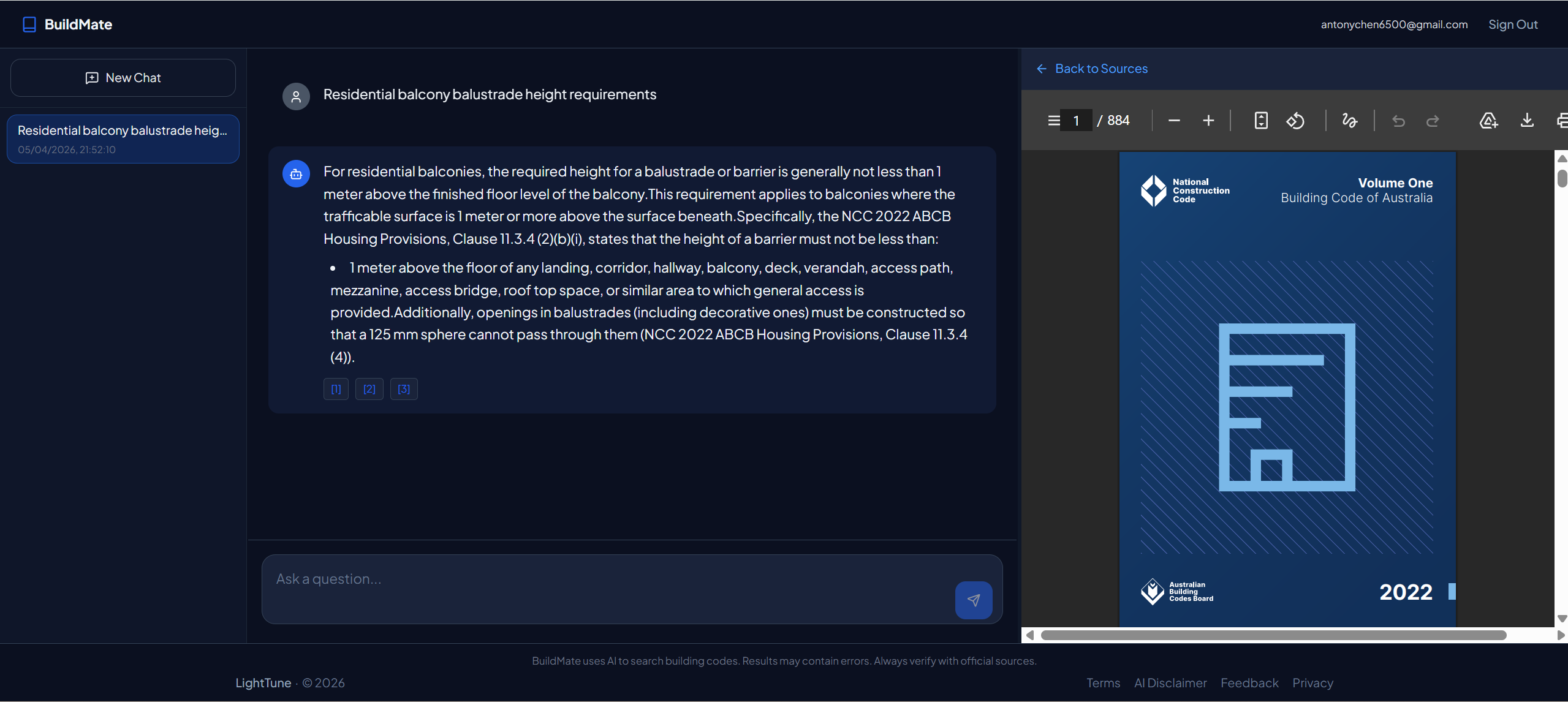
- Direct PDF access: Click a button to open the full official chapter
The Source Panel displays all citations in real-time—during compliance reviews, you can point to the screen and say: “Per NCC 2019 Volume 2 Part 3.9.2.3, page 47, here’s the original text.”
This is the difference between “verifiable sources” and “AI making things up.”
Technique 4: Build Your “Code Query Knowledge Base”
The hidden cost of traditional methods:
Three months ago, you spent 20 minutes finding “accessibility ramp gradient requirements.” Today, the same client asks again. You have no idea which chapter you looked up last time—time to search all over again.
The BuildMate approach:
After logging in, every query is automatically saved as a Thread:
- Project archiving: All code queries for the same project live in one Thread
- Instant recall: Conversation history is permanently saved
- Team collaboration: Thread sharing coming soon (in development)
Long-term value: You’re not just “looking up codes”—you’re building a personal or team NCC knowledge base. Six months in, you’ll find that your top 20 most-asked questions already have answers waiting.
How to Get Started
BuildMate is developed by Light Tune and is currently in open beta with all features available for free.
30-Second Signup
- Visit buildmate.lighttune.com.au
- Click Sign Up in the top right, enter your email and password (10 seconds)
- Complete the 2-minute onboarding survey (helps us understand your needs)
- Unlock full features instantly and start querying
No credit card required. No approval waiting. Ready to use immediately.
🚀 Your Next Step
If you spend more than 30 minutes a day searching NCC codes:
- Open buildmate.lighttune.com.au right now
- Try your most frequently asked question (e.g., “balcony balustrade height”)
- Compare the time against your traditional approach
After your first query, you’ll understand what those 30 seconds mean.
BuildMate — Light Tune’s smart compliance query assistant built for NSW construction professionals.
Questions or feedback? Contact us through the feedback button in the bottom right corner of the website.
Comments powered by Giscus
Configure GISCUS_REPO_ID and GISCUS_CATEGORY_ID environment variables to enable comments.
Need Help Deploying OpenClaw or n8n?
We provide professional deployment services and technical support to help you quickly set up AI automation systems.
Book Free Consultation